
Currently, there are three usable consortium level item stat cats. Audience is required for all holdings in the consortium. Fiction/Nonfiction and Detailed Item Type (used to track entrance pass partnership programs) are both optional entries.
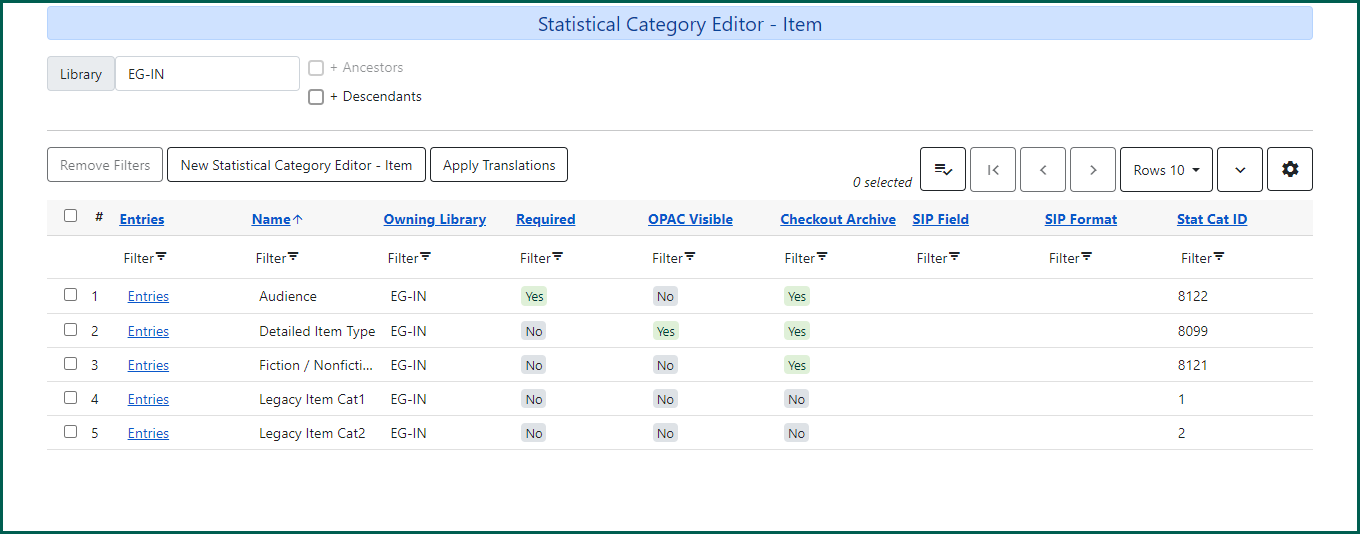
Create an item stat cat #
To create a copy stat cat, click New Statistical Category Editor – Item.
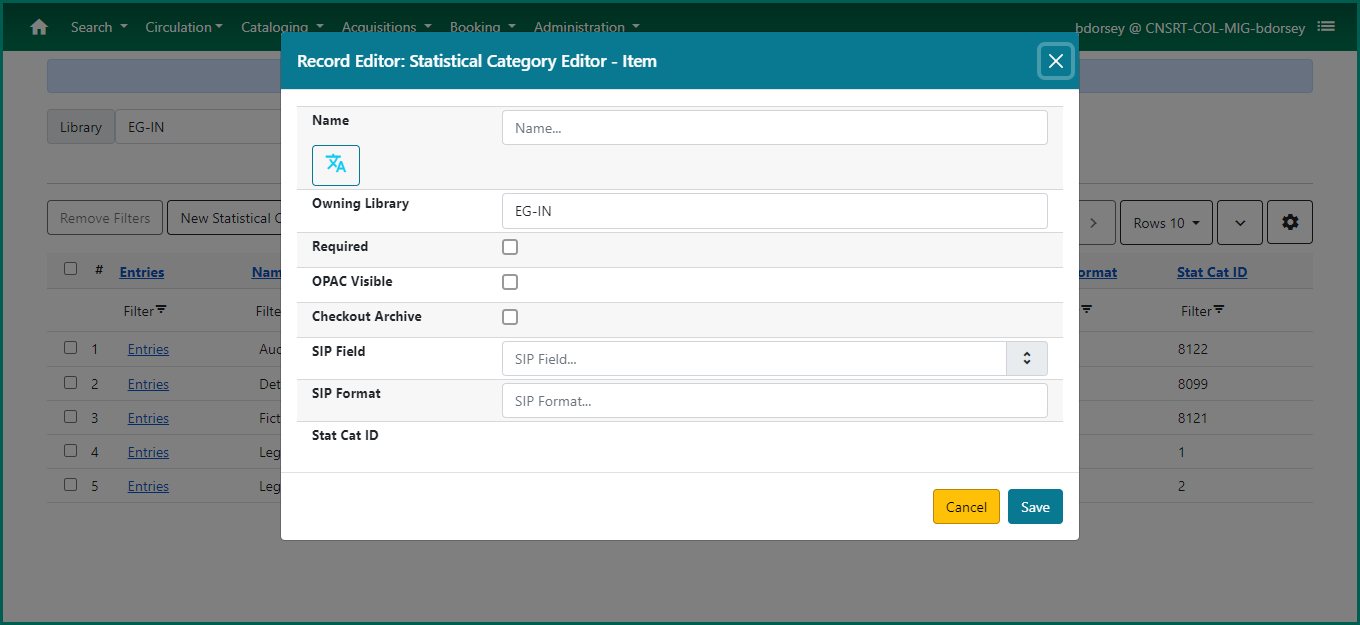
Name: (required) Enter a name for the item statistical category.
Owning Library: (required) Select your system level or a specific branch of your organization depending on how widely the stat cat will be used.
Required: (required) When checked, an entry must be selected in order to save the item in the Holdings Editor.
OPAC Visible: (required) When checked, the stat cat will appear in the catalog.
Checkout Archive: When checked, stat cat information will be retained with anonymized circulations.
Modify an item stat cat #
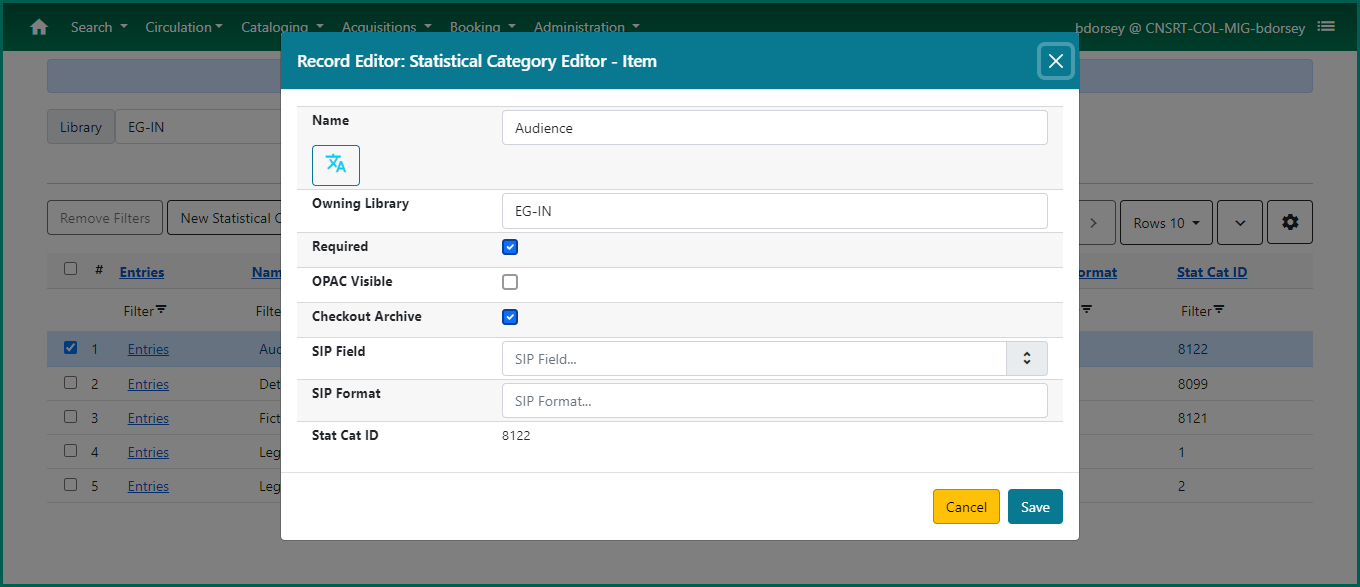
To modify an existing stat cat, double click on the row, or select from the Actions menu or right-click and choose Edit Selected. You can update the name, OPAC visibility and whether or not the information is archived with anonymized circulations. You cannot change the ownership of the statistical category.
Add listed entries on an item stat cat #
For item stat cats, a list of possible entries must be provided for assignment to holdings. To add new entries, click on the Entries button under the Entries column of the stat cat grid.
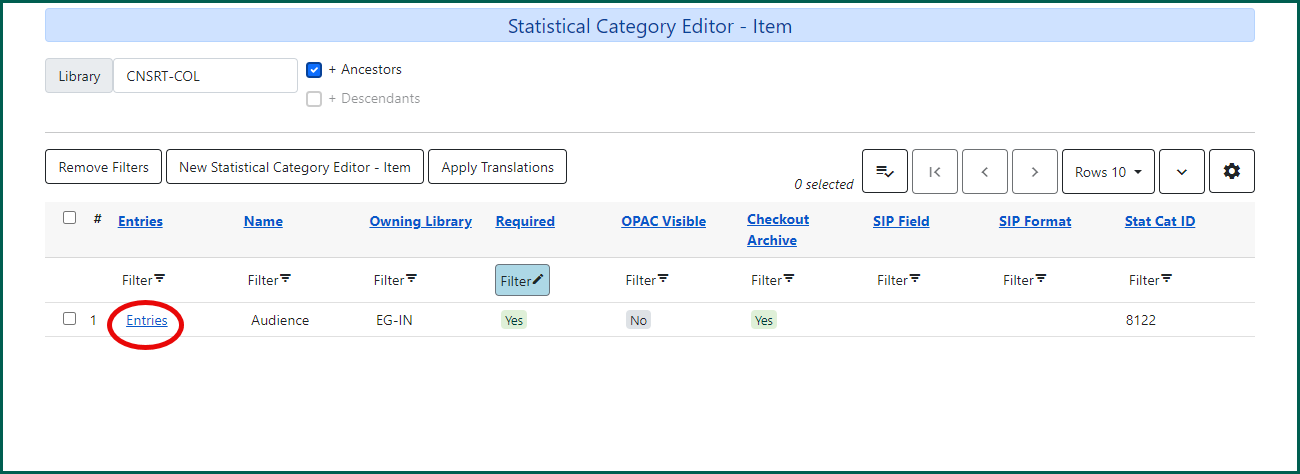
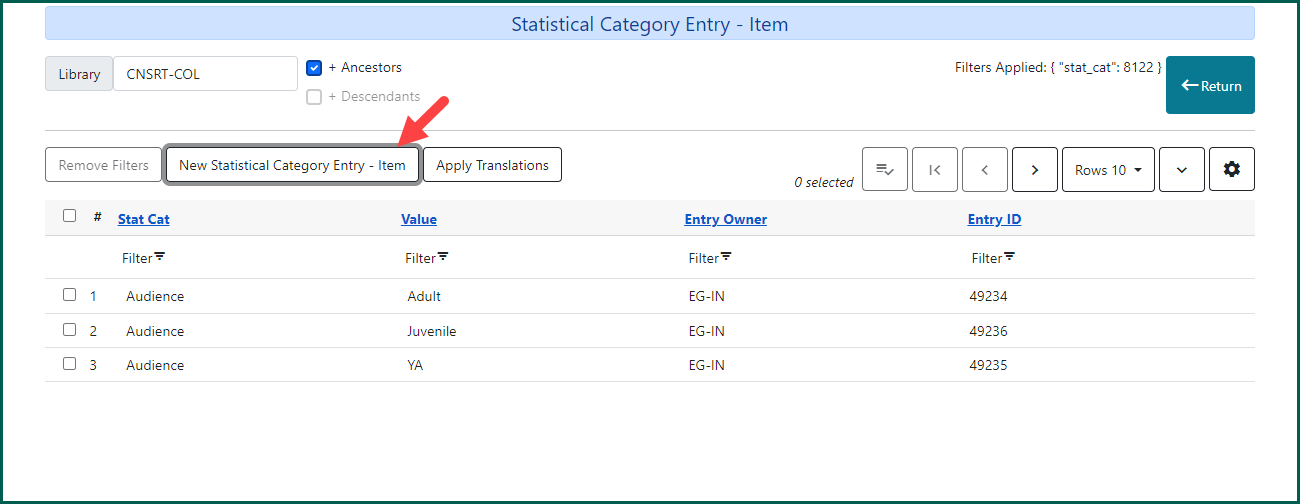
Click New Statistical Category Entry – Item.
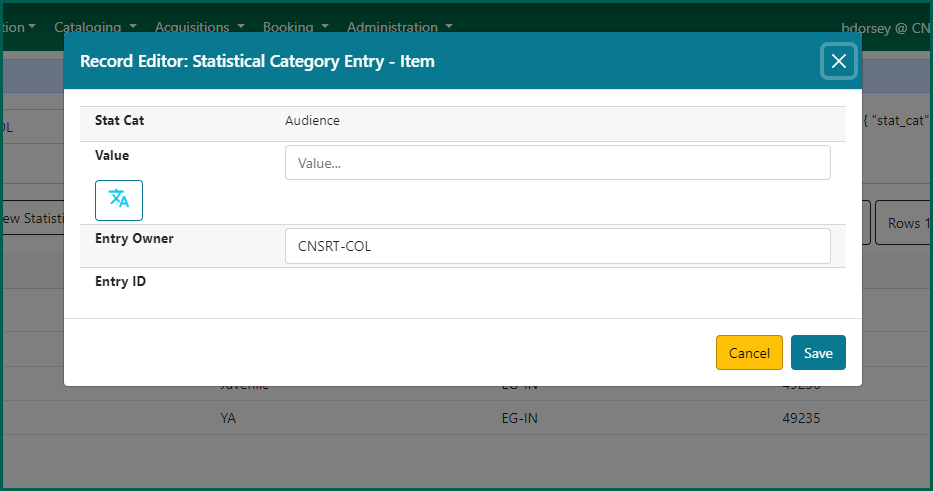
Enter the value (entry name). The Entry Owner should match the owner of the statistical category. Click Save when finished.
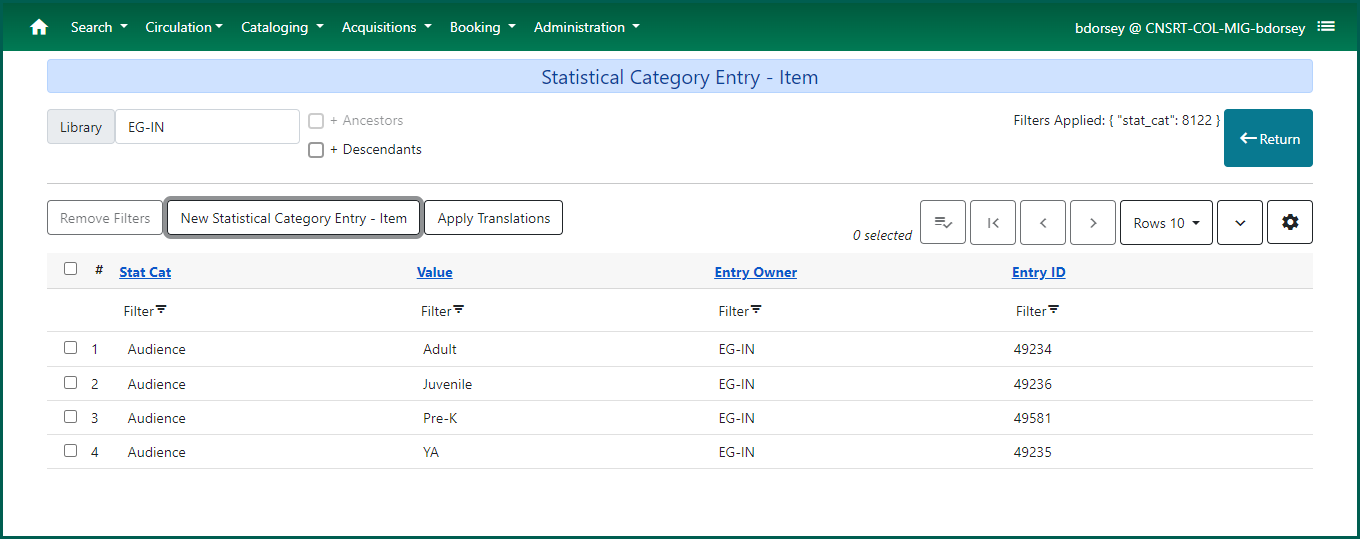
The new stat cat value will be available for staff to assign to holdings.
NOTE: You cannot edit entries once they are created. You will have to delete the current entry and create a new one.