
There is an option to disable the various sounds that can occur while using the web ClientBrowser-based staff interfafce for the Evergreen Integrated Library System or Software (ISL).
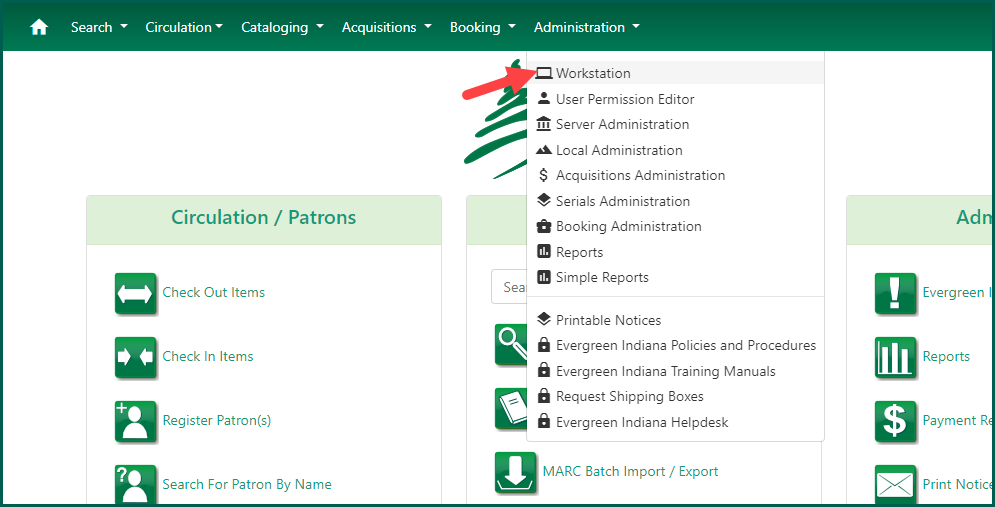
From the Administration top navigation dropdown menu, select Workstation.
You may click on each sound type to hear what each sound is.

To disable sounds, checkmark the Disable Sounds? button. There is no option to disable specific sounds within the ClientBrowser-based staff interfafce for the Evergreen Integrated Library System or Software (ISL).
