Version 3.13
Permissions: LocalAdmin
Most of these settings are created prior to launch in the Evergreen Indiana consortium; however, if there are temporary or permanent changes in your library, local administrators have the ability to update contact information, hours of operation, and addresses for their library systems.
Navigation #
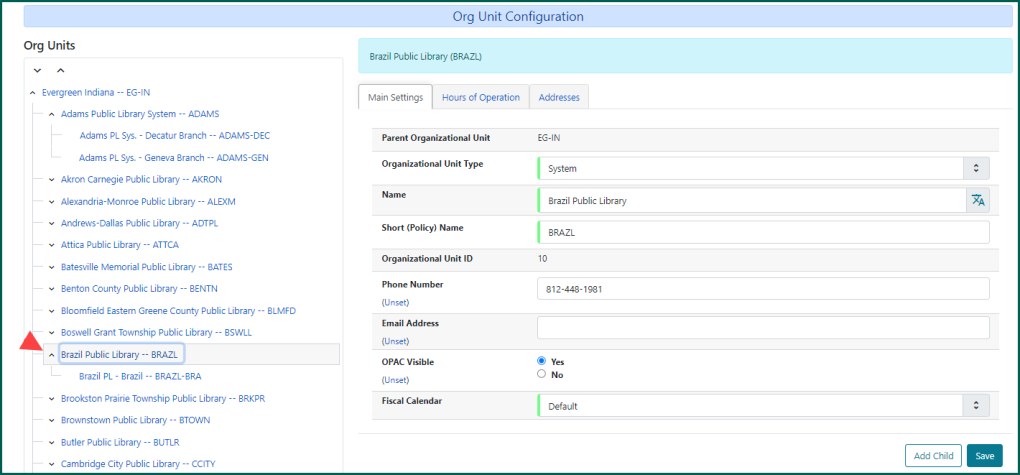
To access your library’s system information, select the name from the left side Org Units list. Clicking the arrow next to the system level will reveal the branches within the system (even if your library system is a single-branch).
Main Settings #
Modifications to the Main Settings are limited to the Phone Number and Email Address fields. The other settings under this tab are managed by the Evergreen Indiana Administration Team.
Hours of Operation #
The Hours of Operation settings allow you to set your library’s normal open and closed hours for each branch in your system.
Enter the Open Time and Close Time for each day of the week. This may be done manually by clicking on the time, or you may use the clock icon to select a time from the drop down.
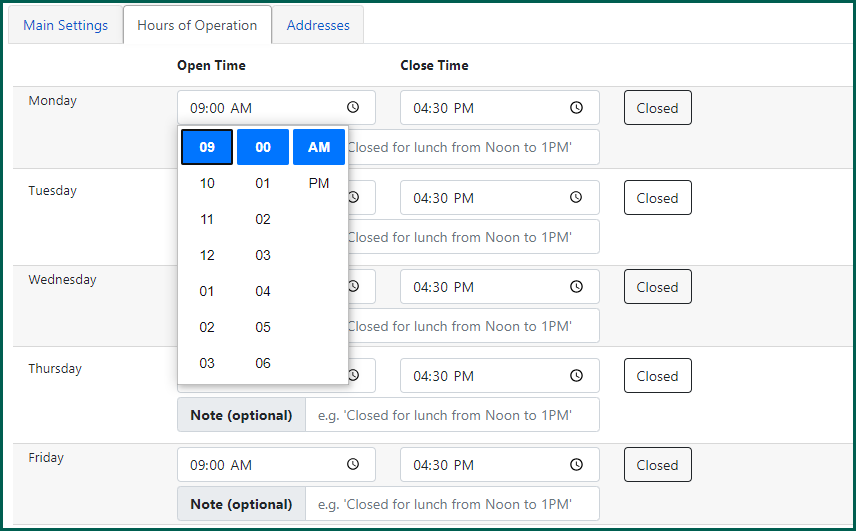
For days the library branch is closed, click the Closed button and the times will adjust to 12:00 AM for both time options.
The Note (optional) field allows libraries to add a constant note to a day that describes split hours or service related notes. Use the field to enter a note for the appropriate day(s).
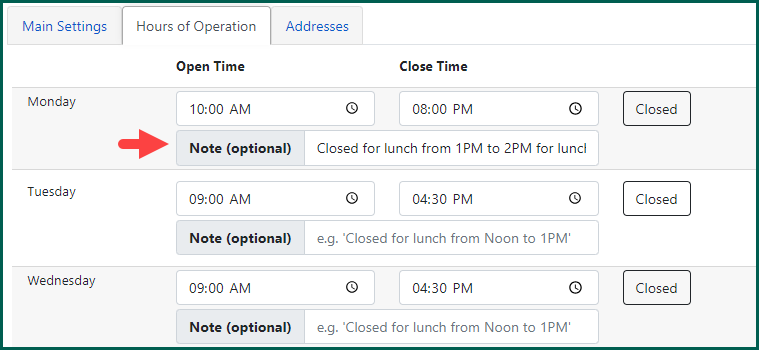
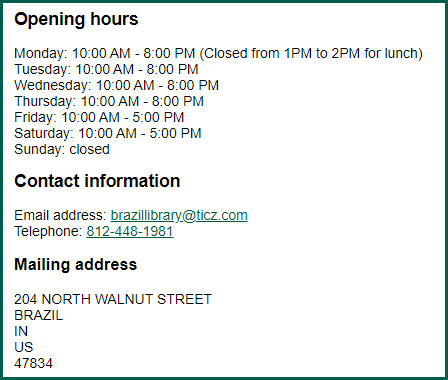
Make sure to click Apply Changes when finished. This information is visible via the OPAC when the library name is selected.
Addresses #
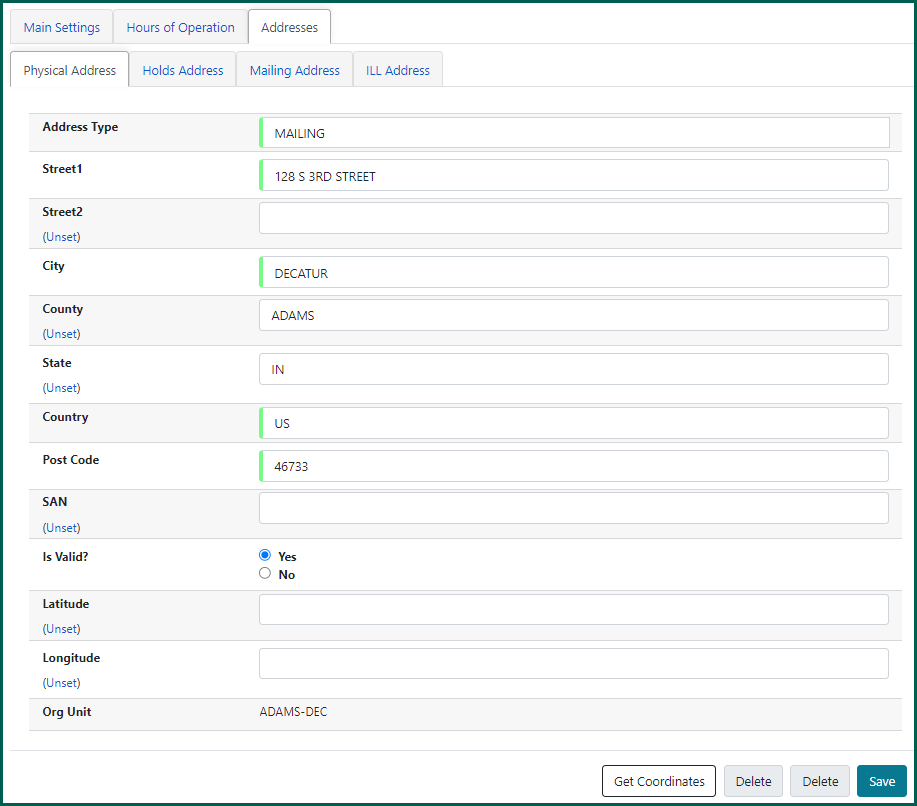
The Addresses tab is where your library’s mailing, physical, holds, and ILL addresses are set up. Click Save once changes have been made.