
When a staff person leaves the employment of an Evergreen Indiana member library, there are several steps that need to occur to their working accounts in the web Client.
- Update the password on all shared working accounts.
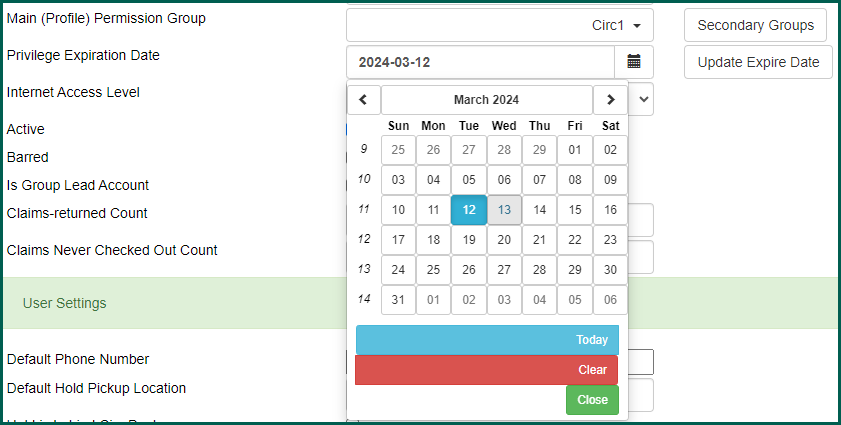
- Update the password and expire the working accounts specific to that person.
- Do NOT delete or merge working accounts. We retain these as a work history for reference and because of the large number of transactions associated with the average staff account.
- If there are associated recurring reports on the staff working account that are still needed for library operation, please submit a helpdesk ticket with
- the username of the current staff account
- the name of the report/template that needs to be transferred
- the username and email address of the staff person the template should be moved to.

You will also want to check their personal staff account to make sure it is using the proper Patron profile type (Resident, Non-Resident, Reciprocal Borrower, etc.)
Note #
If the staff working account has Cat1 or LocalAdmin permissions, you will need to contact the Helpdesk in order to disable the account and update the password.